
LABx_Docs
Enterprise-Grade Web Application Security Training Platform
A self-hosted vulnerable web application platform with 40+ exploitable labs mapped to OWASP Top 10, CWE/SANS Top 25, and real-world HackerOne disclosures. Designed for penetration testers, security researchers, and developers building secure applications. Each lab is a fully functional PHP application with MySQL-backed scenarios, progress tracking, and comprehensive documentation.
Contributors

Demo Video
Screenshots
A walkthrough of the platform's key interfaces — from dashboard to lab exploitation.
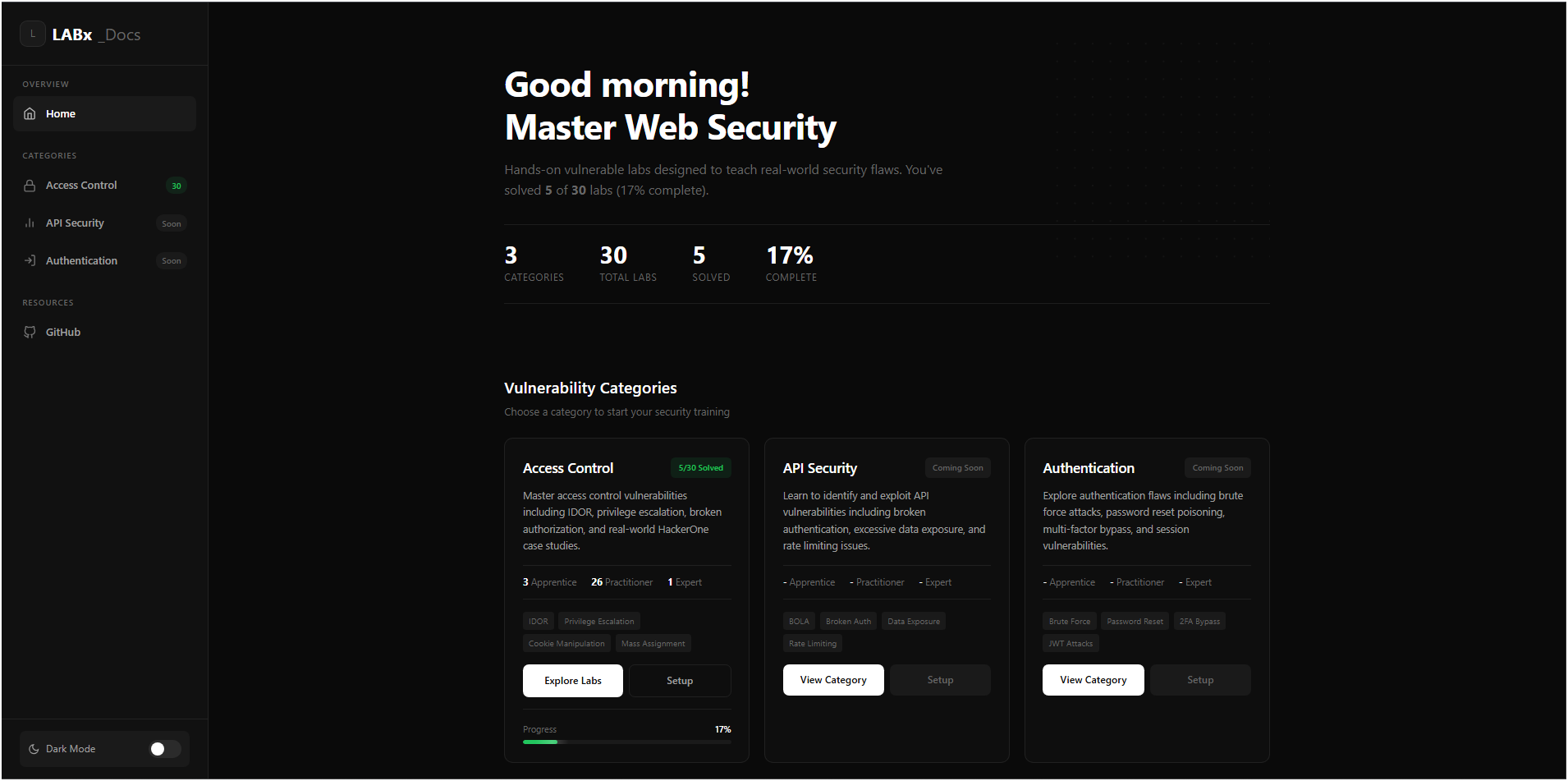
Main Dashboard — Database Configuration & Lab Overview
The main dashboard serves as the entry point, allowing users to configure MySQL credentials via the UI, test connections, and access the global navigation sidebar. From here, users can browse vulnerability categories, initialize lab databases, and track their overall progress.
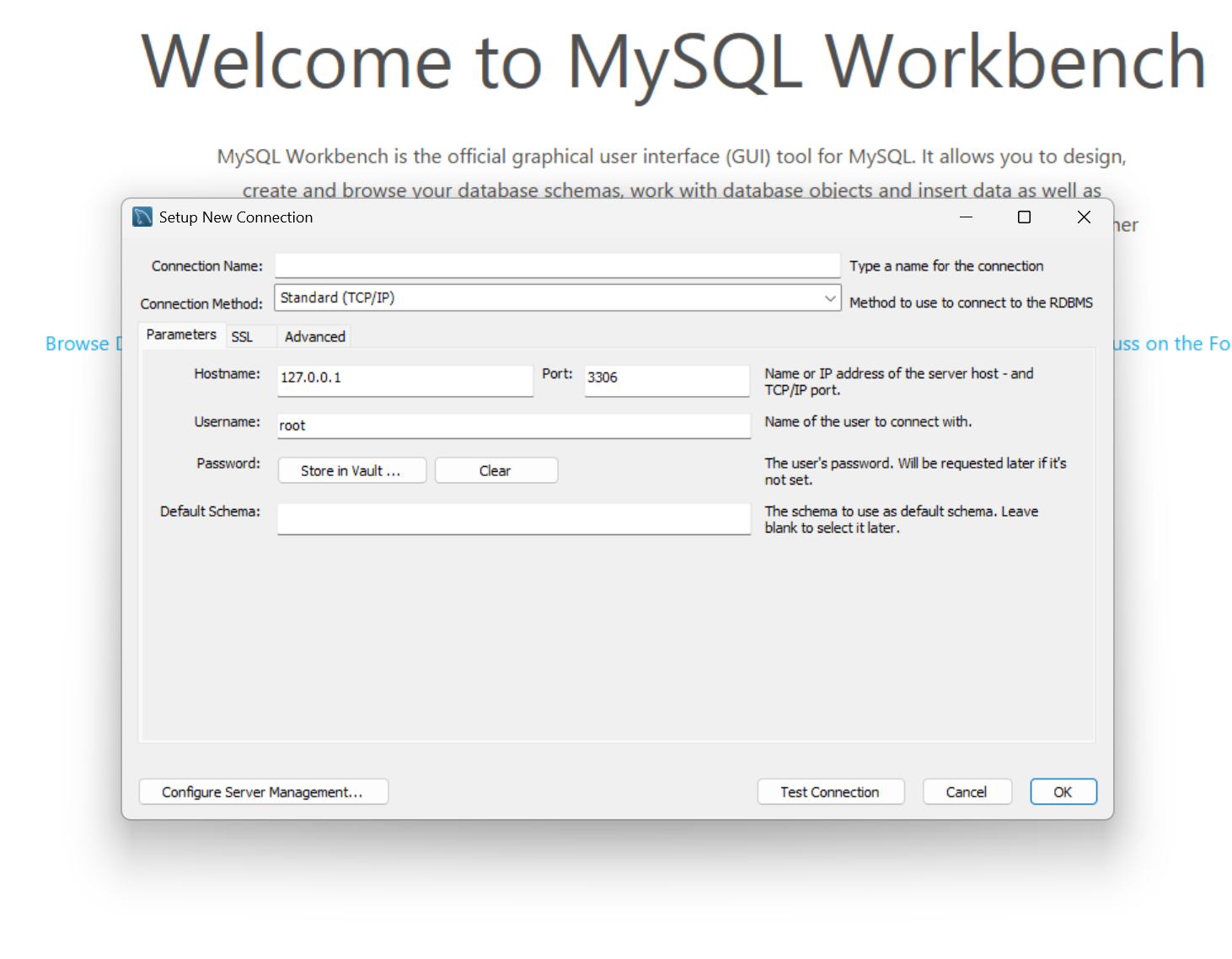
Database Setup Wizard — One-Click Initialization
The setup wizard handles all database initialization. Users can configure MySQL host, username, and password, test the connection, then batch-initialize all lab databases at once or set up individual categories independently.
Lab Environment — Exploitable Scenario Interface
Each lab presents a fully functional vulnerable web application with login flows, exploitable endpoints, and realistic user data. The scenario UI provides hints, objectives, and documentation links to guide exploitation.
Lab Documentation — Technical Walkthroughs
Every lab includes comprehensive documentation covering the vulnerability type, CWE mapping, exploitation methodology, proof-of-concept steps, and remediation guidance. Walkthroughs are available after completing a lab.
Progress Tracking — Cross-Category Dashboard
The progress system tracks solved labs across all categories with per-category databases. Solved labs are displayed with timestamps, and the cross-category aggregator provides a unified progress overview.
Access Control Category — 30 Labs
Covers IDOR, privilege escalation, broken authorization, URL-based access control bypass, method-based access control, referer-based checks, mass assignment, JWT manipulation, and real-world HackerOne case studies.
Key Features
40+ Exploitable Labs
Each lab is a standalone vulnerable PHP application with realistic scenarios — login systems, profile pages, admin panels, API endpoints, and file upload forms. Labs cover everything from basic IDOR to expert-level custom gadget chain deserialization.
OWASP Top 10 Coverage
Labs are mapped to OWASP 2021 categories and CWE IDs. Current coverage includes A01 (Broken Access Control) with 30 labs and A08 (Software & Data Integrity Failures / Insecure Deserialization) with 10 labs. API Security and Authentication categories are in development.
Real-World Case Studies
Three labs are modeled after actual HackerOne bug bounty disclosures — PII disclosure via IDOR, account deletion via IDOR, and mass assignment vulnerabilities. These labs teach exploitation patterns that appear in production applications.
Progress Tracking System
Each vulnerability category maintains an isolated MySQL progress database with per-lab completion tracking. The cross-category aggregator provides a unified dashboard showing solved labs, timestamps, and overall progress across all categories.
Centralized Database Configuration
A single db-config.php API manages MySQL credentials across all labs. Test connections via the dashboard UI, save once, and every lab inherits the configuration. Supports clearing and reconfiguring without touching individual lab files.
Comprehensive Documentation
Every lab includes lab-description.php (objectives and hints), docs.php (technical walkthrough), and a LAB_DOCUMENTATION.md file. Exploitation methodology guides cover reconnaissance, vulnerability identification, exploitation, and documentation phases.
Multiple Deployment Methods
Supports XAMPP (Windows/Linux), WAMP, MAMP, native LAMP, and Docker Compose deployment. The Docker setup provides a pre-configured php:8.2-apache container with MySQL 8 — zero manual configuration needed.
Difficulty Progression
Labs are graded across three difficulty tiers: Apprentice (guided exploitation), Practitioner (minimal hints), and Expert (custom gadget chains, multi-step attacks). Difficulty distribution ensures a smooth learning curve from beginner to advanced.
Architecture
LABx_Docs follows a modular, category-based architecture. Each vulnerability category is self-contained with its own dashboard, progress database, and lab collection. A shared sidebar and centralized credential API tie everything together.
index.php serves as the main entry point with database configuration UI. Each category has its own index.php dashboard displaying lab listings, difficulty badges, and progress indicators.
src/sidebar.php provides global navigation across all categories. src/setup.php handles batch database initialization. src/progress.php aggregates completion data from all category progress databases.
Each lab directory contains index.php (scenario UI), config.php (DB connection via db-config.php), vulnerable endpoints, success.php (completion handler), and documentation files. Labs operate independently with their own isolated databases.
Per-lab MySQL databases for scenarios (e.g., ac_lab01, id_lab05) plus per-category progress databases (ac_progress, id_progress). Credentials stored centrally via db-config.php session-based API.
Design Principles
Category Isolation
Each vulnerability category (AC/, Insecure-Deserialization/, API/, Authentication/) is fully self-contained with its own dashboard, progress tracking, and database setup scripts. Categories can be added or removed independently.
Standardized Lab Structure
Every lab follows an identical directory structure — index.php, config.php, setup_db.php, success.php, and documentation files. This makes authoring new labs consistent and adding new categories trivial.
Centralized Credential Management
db-config.php acts as a single source of truth for MySQL credentials. Labs call getDbCredentials() instead of hardcoding connection strings, enabling one-time configuration that propagates to all 40+ labs.
Idempotent Setup
Database initialization scripts use CREATE DATABASE IF NOT EXISTS and CREATE TABLE IF NOT EXISTS patterns. Running setup multiple times is safe — it won't destroy existing progress data or lab state.
Tech Stack
| Component | Technology | Purpose |
|---|---|---|
| Backend | PHP 8.0+ | Lab application logic, vulnerable endpoints, progress tracking |
| Database | MySQL 5.7+ | Per-lab scenario data, user accounts, progress databases |
| Web Server | Apache 2.4+ | Serves PHP applications, handles routing |
| Frontend | HTML/CSS/JS | Lab scenario UIs, dashboard interfaces, progress displays |
| Session | PHP Sessions | Lab authentication, credential storage, state management |
| Container | Docker Compose | Optional containerized deployment with php:8.2-apache + MySQL 8 |
| Platforms | XAMPP / WAMP / MAMP / LAMP | Cross-platform development environment support |
Vulnerability Categories
Labs are organized into four vulnerability categories mapped to OWASP 2021 and CWE classifications. Each category targets different attack surfaces and exploitation techniques.
Covers IDOR (sequential IDs, encoded IDs, hashed IDs), privilege escalation (vertical and horizontal), URL-based and method-based access control bypass, referer header manipulation, mass assignment, JWT token manipulation, GraphQL mutation IDOR, path traversal, and 3 real-world HackerOne case studies. Maps to OWASP A01:2021 and CWE-284, CWE-639, CWE-862, CWE-269, CWE-915, CWE-22, CWE-425.
Covers cookie base64 tampering, PHP type juggling, magic method exploitation, pre-built and custom gadget chains (PHP, Ruby, Java), PHAR deserialization polyglot upload, and session cookie manipulation. Maps to OWASP A08:2021 and CWE-502.
Will cover BOLA (Broken Object Level Authorization), broken authentication, excessive data exposure, rate limiting bypass, and mass assignment via API endpoints. Maps to OWASP A01, A02, A03 and CWE-284, CWE-287, CWE-200.
Will cover brute force attacks, password reset poisoning, multi-factor authentication bypass, session fixation, and JWT-based authentication flaws. Maps to OWASP A07:2021 and CWE-287, CWE-307, CWE-384.
Lab Catalog Highlights
Selected labs showcasing the range from apprentice-level guided exploitation to expert-level custom gadget chain construction.
| # | Title | Difficulty | CWE | Attack Vector |
|---|---|---|---|---|
| AC-01 | Unprotected Admin Functionality | Apprentice | CWE-425 | robots.txt disclosure |
| AC-04 | IDOR Account Takeover | Practitioner | CWE-639 | Direct object reference |
| AC-10 | URL-Based Access Control Bypass | Practitioner | CWE-284 | X-Original-URL header injection |
| AC-21 | JWT Token Manipulation | Practitioner | CWE-639 | JWT claim modification |
| AC-27 | HackerOne: PII Disclosure | Practitioner | CWE-639 | Real-world case study |
| AC-30 | GraphQL Mutation IDOR | Expert | CWE-639 | GraphQL parameter manipulation |
| ID-04 | Arbitrary Object Injection | Practitioner | CWE-502 | Magic method exploitation |
| ID-07 | Custom Gadget Chain (PHP) | Expert | CWE-502 | Custom gadget construction |
| ID-09 | PHAR Deserialization | Expert | CWE-502 | PHAR polyglot upload |
Quick Start
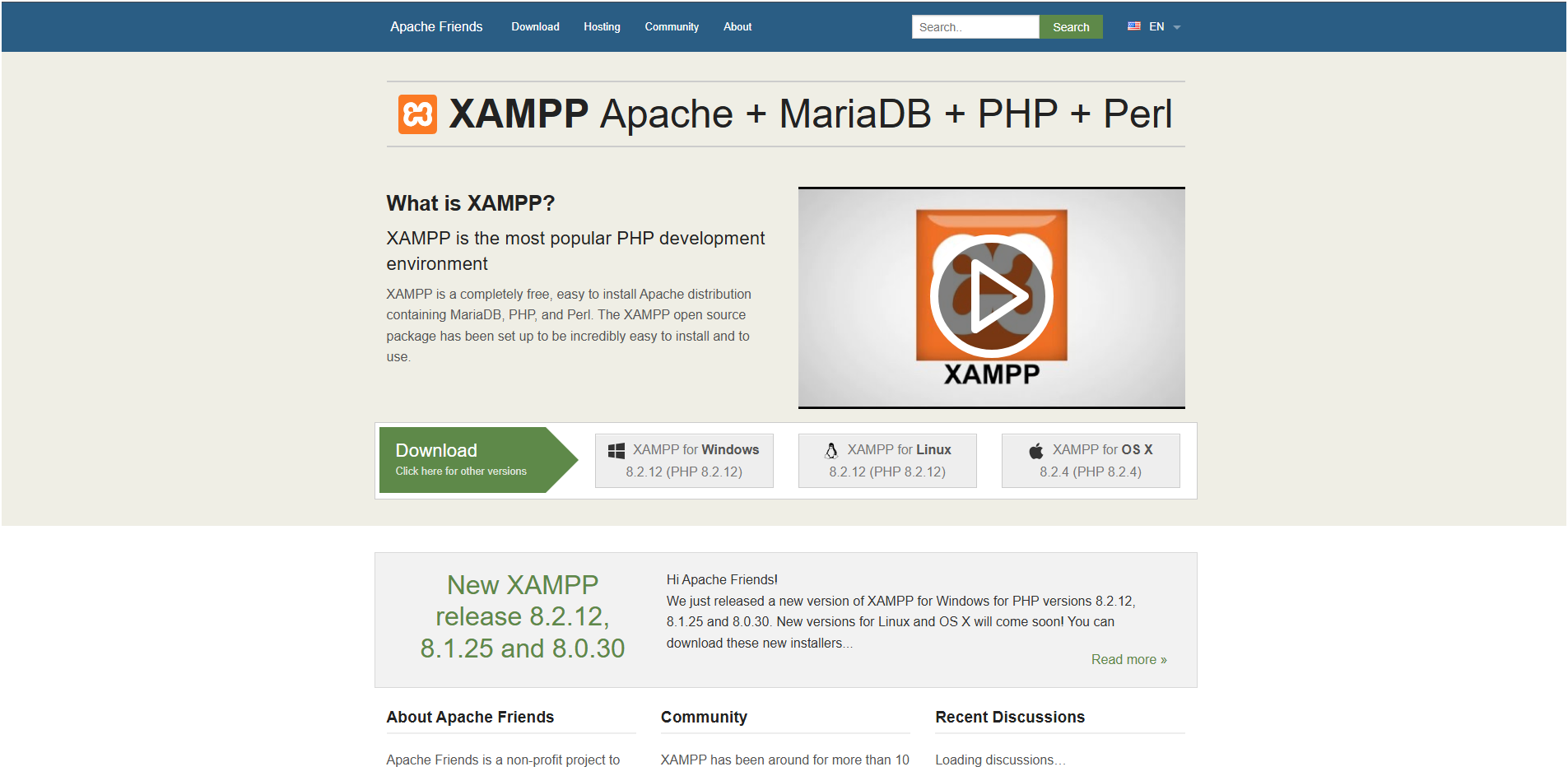
Get up and running in under 5 minutes. For the complete setup guide with platform-specific instructions, see the official documentation.
Git Clone + XAMPP
git clone https://github.com/M9nx/LABx_Docs.git

# Move to web root:
# Windows → C:\xampp\htdocs\
# Linux → /var/www/html/

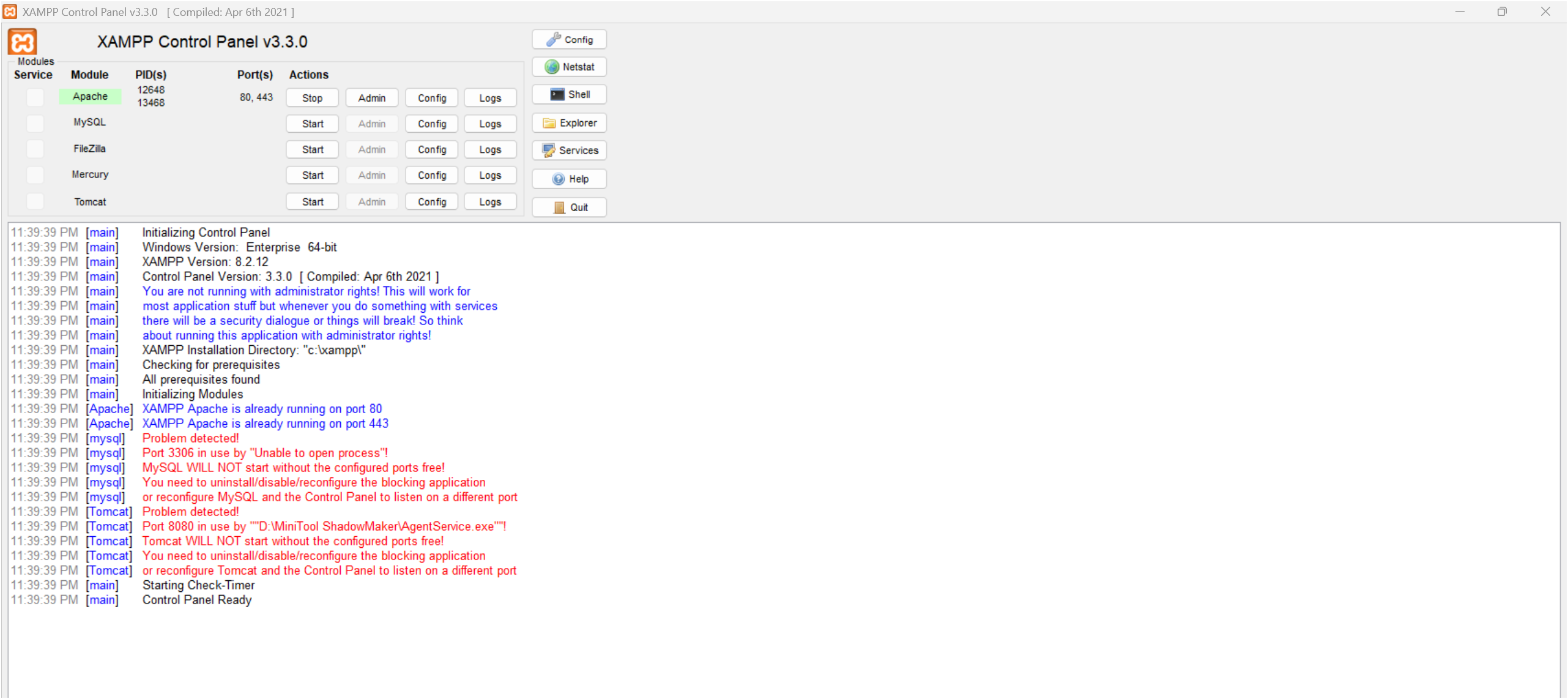
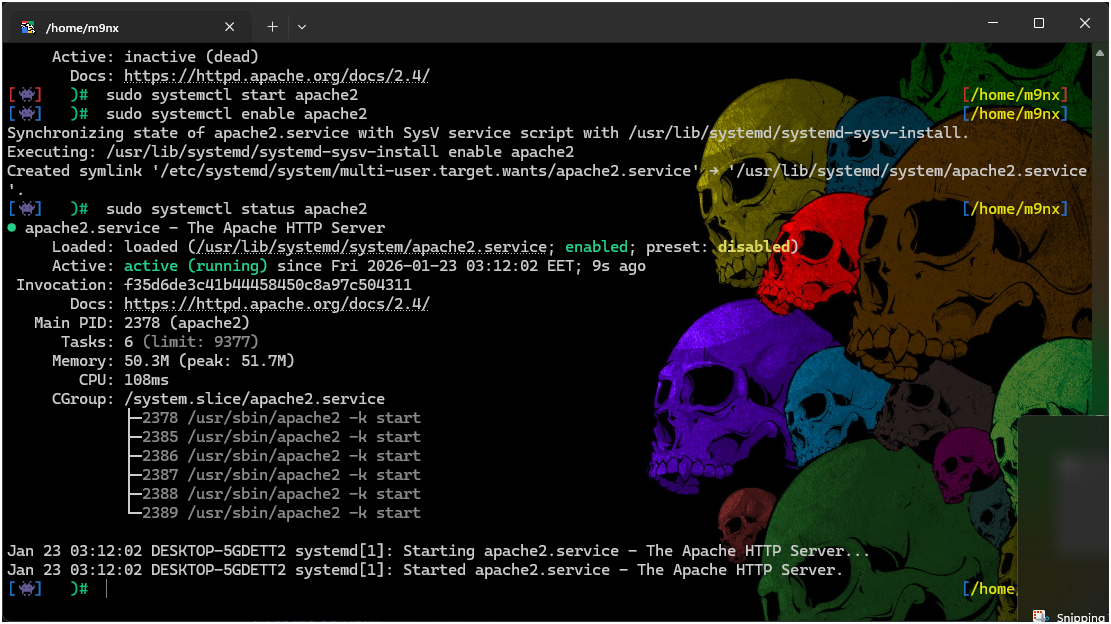
# Start Apache + MySQL
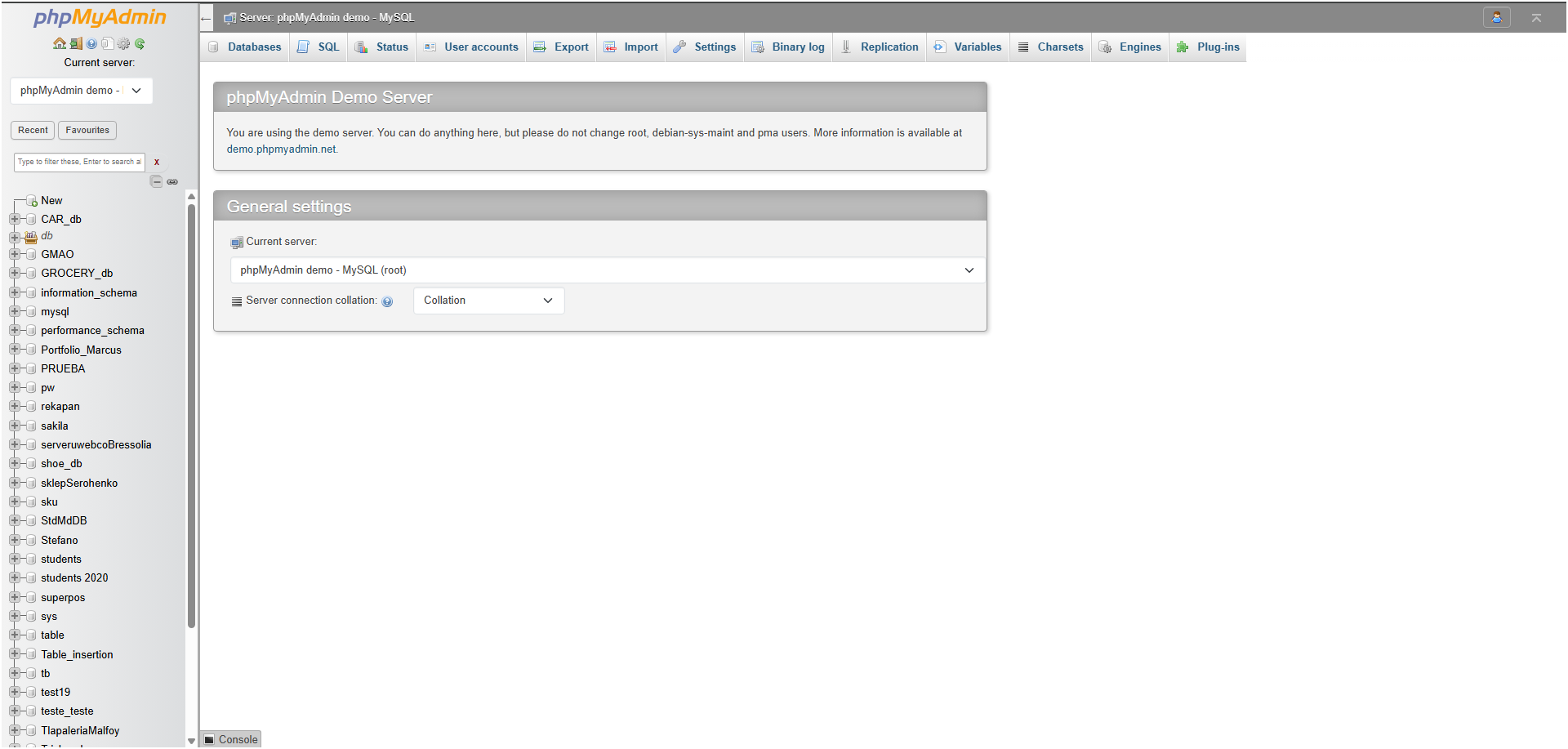
# Access http://localhost/LABx_Docs/
# Configure DB credentials → Setup All
Docker Compose
# docker-compose.yml included
docker-compose up -d

# Access:
# http://localhost:8080/LABx_Docs/
# DB Host: db (Docker service name)
# DB User: root
# DB Pass: (empty)
Releases
Stable releases are published on GitHub with full changelogs, installation instructions, and verified checksums.
Toolchain Integration
LABx_Docs is designed to work with standard penetration testing tools. Labs can be exploited using browser DevTools, Burp Suite, curl, or custom scripts.
Burp Suite
Configure browser proxy to 127.0.0.1:8080, add LABx_Docs to scope, and use Repeater for parameter tampering and Intruder for ID enumeration. Most labs are designed to be solved with Burp interception.
Browser DevTools
Application tab for cookie inspection and modification, Network tab for request/response monitoring, and Console for JavaScript analysis and base64 decoding — atob("encoded").
curl / httpie
Command-line testing with curl -c cookies.txt -b cookies.txt for session management. httpie for readable JSON output. Ideal for scripting IDOR enumeration and header manipulation attacks.
Python Scripts
The requests library with session persistence for automating multi-step attacks. Example enumeration scripts are provided in the documentation for IDOR, deserialization, and access control bypass labs.
Contributions
LABx_Docs is open-source and welcomes contributions. The standardized lab structure makes adding new vulnerability categories and individual labs straightforward.
Adding a New Lab
Create a directory under the appropriate category (e.g., AC/Lab-31/), add required files following the standardized structure — index.php, config.php, setup_db.php, success.php, and documentation. Register in src/setup.php.
Adding a New Category
Create a category directory with index.php (dashboard), progress.php (tracking helper), and setup-all-databases.php (batch setup). Add the category to src/sidebar.php for global navigation.
Documentation Standards
Each lab requires a lab-description.php (objectives, hints), docs.php (technical walkthrough), LAB_DOCUMENTATION.md (markdown docs), and README.md. Include CWE mapping and OWASP classification.
Getting Started
Clone the repo, deploy to XAMPP/Docker web root, configure database credentials on the dashboard, initialize lab databases via Setup Databases, then test by completing a lab and verifying progress tracking.
Project Structure
LABx_Docs/
├── index.php                     # Main dashboard + DB configuration UI
├── db-config.php                 # Centralized credential management API
│
├── src/                          # Shared platform components
│   ├── sidebar.php               # Global navigation sidebar
│   ├── sidebar.css               # Sidebar stylesheet
│   ├── setup.php                 # Database initialization wizard
│   └── progress.php              # Cross-category progress aggregator
│
├── AC/                           # Access Control (30 labs)
│   ├── index.php                 # Category dashboard
│   ├── progress.php              # AC progress helper (ac_progress DB)
│   ├── setup-all-databases.php   # Batch database setup
│   └── Lab-01/ ... Lab-30/       # Individual lab directories
│
├── Insecure-Deserialization/     # Deserialization (10 labs)
│   ├── index.php                 # Category dashboard
│   ├── progress.php              # ID progress helper (id_progress DB)
│   └── Lab-01/ ... Lab-10/       # Individual lab directories
│
├── API/                          # API Security (planned)
│   └── index.php
│
└── Authentication/               # Authentication (planned)
    └── index.php
Security Considerations
LABx_Docs is intentionally vulnerable software. It must never be exposed to the public internet or run on production servers.
Allowed Environments
localhost — direct local access. Isolated LAN — with firewall rules. Private VPN — with authentication. VMs with host-only networking — for sandboxed testing.
Prohibited Environments
Public internet, production servers, and cloud VPS with public IPs are strictly prohibited. The application contains intentional SQL injection, IDOR, deserialization, and access control vulnerabilities that would be immediately exploitable.